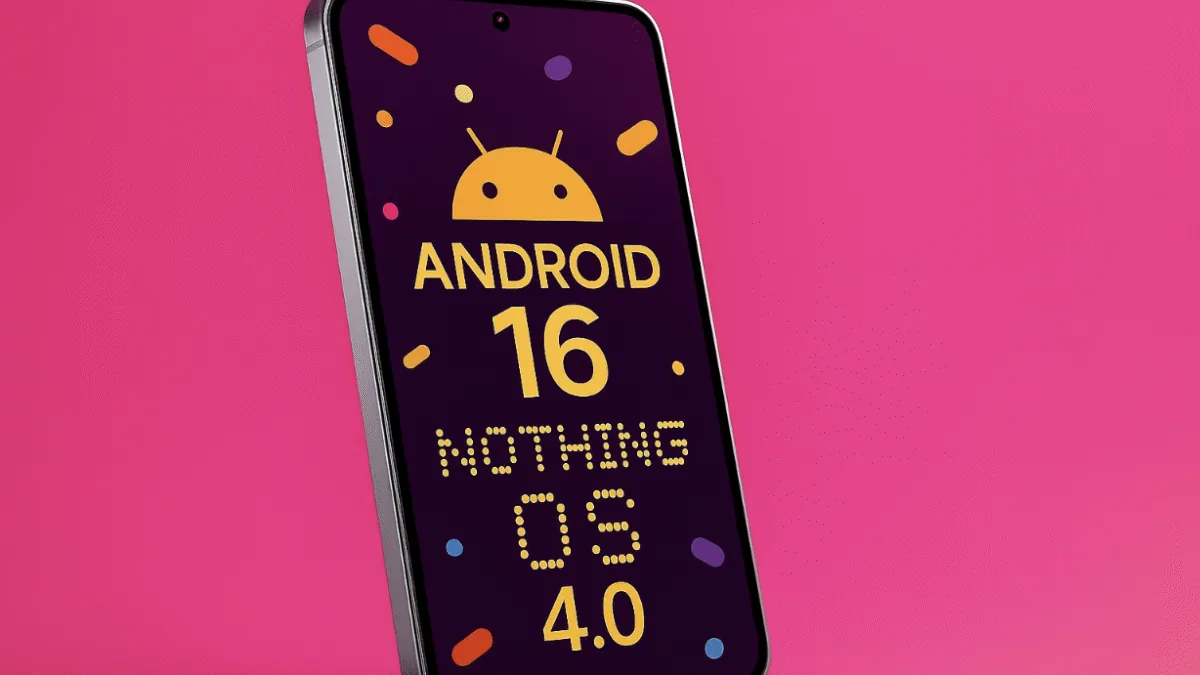
Android 16 and Nothing OS 4.0 are now rolling out with a fresh set of design improvements, performance upgrades
and smarter system features. Android 16 focuses on Google’s refined Material design, smoother animations, better
large-screen handling and more powerful notification updates. On the other hand, Nothing OS 4.0 builds on Android 16
with a cleaner minimalist UI, Extra Dark Mode, upgraded Glyph features, new Lock Glimpse wallpapers and floating
multitasking windows. Both updates aim to deliver a more fluid, modern and responsive user experience, especially for
users upgrading from older Android versions on supported phones in different regions worldwide today.
Android 16 VS Nothing 4.0
Google’s Android 16 release brings a fresh round of design polish, performance upgrades and smarter system features.
At the same time, Nothing is rolling out Nothing OS 4.0, its own custom skin based on Android 16, with a
focus on minimal design, AI tricks and tighter Glyph integration. If you’re confused between “stock” Android 16 and
Nothing OS 4.0, this quick breakdown will help you understand what’s new, what’s different, and what you can really
expect on your phone.
Android 16: What Google Brings To The Table
Android 16 is the sixteenth major Android version and it’s all about refinement, smarter experiences and better support
for different screen sizes. You still get the familiar Android look, but with more polish and under-the-hood upgrades.
1. Material You, Now More Expressive
Google continues its Material You journey with a more expressive, refined design language. Animations feel smoother,
transitions are cleaner and system elements look more consistent across the UI. The aim is simple: make Android feel
fluid, modern and less “laggy” on compatible hardware.
2. Smarter “Live Updates” Notifications
One of the headline tweaks is deeper support for live, ongoing updates in the notification shade.
Think food orders, cab rides, match scores or timers – instead of static notifications, apps can surface
real-time progress so you don’t have to keep opening them every few seconds.
3. Better For Foldables, Tablets & Big Screens
Android 16 continues to push large-screen and foldable optimization. Apps are encouraged to be more adaptive,
handle split-screen layouts better and behave more consistently when resized or rotated. If you use a foldable or
big-screen device, you should see fewer “stretched phone app” moments.
4. Unified Local + Cloud Media Picker
The updated photo picker can surface photos and videos from both your local storage and supported cloud sources
in a single, clean interface. That means less hopping between apps just to share or upload one picture.
5. Stronger Privacy, Health & Data Controls
Behind the scenes, Android 16 also upgrades health data handling and app permissions. Developers get better APIs
for medical and fitness data, while users get more control over who can read what. It’s not flashy, but it matters
for long-term privacy and security.
Nothing OS 4.0: Android 16 With A Bold, Minimal Twist
Nothing OS 4.0 is built on top of Android 16, so you get almost everything Google offers plus
Nothing’s own design language and features. If you’re on a Nothing phone, this is the update that really changes
how your device feels.
1. Clean, Sharp & Extra Dark UI
Nothing doubles down on its minimalist approach. With OS 4.0 you get sharper icons, cleaner typography and an
“Extra Dark Mode” that pushes blacks deeper for late-night use and OLED power savings. The whole
interface feels like a more stylised version of Android 16 rather than a completely different OS.
2. New Lock Screen Experience: Lock Glimpse
A highlight of Nothing OS 4.0 is Lock Glimpse – a new lock-screen experience that rotates curated
wallpapers and glanceable info. Instead of a static lock screen, you get subtle variety every time you wake your phone,
without feeling overloaded.
3. Multitasking With Floating Windows
While Android 16 improves the base multitasking engine, Nothing OS 4.0 layers on more flexible multitasking controls.
You can use floating mini-windows for certain apps, making it easier to reply, browse or take notes without losing
what you were doing in full screen.
4. AI-Powered Widgets & “Playground” Style Tools
Nothing is also leaning on AI. With OS 4.0, the brand is testing tools that let you create mini-apps or
widgets using simple descriptions. Instead of hunting through menus, you describe what you want and the
system helps generate shortcuts, widgets or routines to match.
5. Deeper Glyph Integration
The signature Glyph interface on the back of Nothing phones gets smarter behaviours in OS 4.0. Think more granular
patterns for notifications, charging and timers, plus tighter integration with apps for at-a-glance info – all
without turning the screen on.
Android 16 vs Nothing OS 4.0: What’s The Real Difference?
Core vs Skin
At the base level, Android 16 is the core operating system that every compatible phone can run, while
Nothing OS 4.0 is a custom skin created by Nothing on top of Android 16. So you can think of Android 16
as the engine, and Nothing OS 4.0 as a customised body and interior built on that engine.
Design Language
Stock Android 16 keeps things closer to Google’s Material design, with clean colours, rounded elements and a familiar
Google look. Nothing OS 4.0 adds a more “tech-art” style – monochrome elements, minimalistic typography and a visual
identity that feels different as soon as you unlock the phone.
Extra Features
- Android 16: Stronger base performance, better big-screen handling, live updates in notifications, improved privacy and health APIs.
- Nothing OS 4.0: All of the above, plus Lock Glimpse, extra dark mode, Glyph tricks, floating windows and AI-assisted widgets.
Updates & Rollout
Not every Android brand moves at the same speed. Pixel devices usually get Android 16 first, followed by major OEMs.
Nothing phones get Android 16 through Nothing OS 4.0 – so you don’t see a separate “plain Android 16” update;
the features are bundled inside the Nothing OS package.
Which One Matters More For You?
The answer is simple: it depends on your phone.
-
If you use a Pixel or another non-Nothing phone, you should care mainly about
Android 16 features, plus whatever extra skin your brand layers on top. -
If you use a Nothing phone, you should focus on Nothing OS 4.0, because that’s how
you get Android 16 plus all the Nothing-specific features in one shot.
In both cases, the upgrade is more about refinement than a dramatic redesign. You’ll feel smoother visuals, better
multitasking and smarter notifications, not a completely new phone overnight.
FAQ: Android 16 & Nothing OS 4.0
Q. Is Nothing OS 4.0 a different OS from Android 16?
No. Nothing OS 4.0 is a custom skin based on Android 16. The core system is still Android; Nothing
adds its design, features and optimisations on top.
Q. Will I lose Android 16 features on Nothing OS 4.0?
You still get the key Android 16 improvements (like live updates, improved large-screen behaviour and refined visuals).
On top of that, you gain extra Nothing-specific features. In some areas, Nothing may tweak or restyle Google’s UI.
Q. Which is better: pure Android 16 or Nothing OS 4.0?
It’s mostly about taste. If you like a clean, Google-centric experience and fast updates, pure Android 16 (for example
on Pixel devices) is ideal. If you prefer a more stylised UI with unique features like Glyph and Lock Glimpse, Nothing
OS 4.0 will feel more exciting.
Q. Do I need to update manually?
Most users will get Android 16 or Nothing OS 4.0 via an OTA (over-the-air) update. Just go to
Settings > System > Software update and check if it’s available for your device and region.